What is a Texture
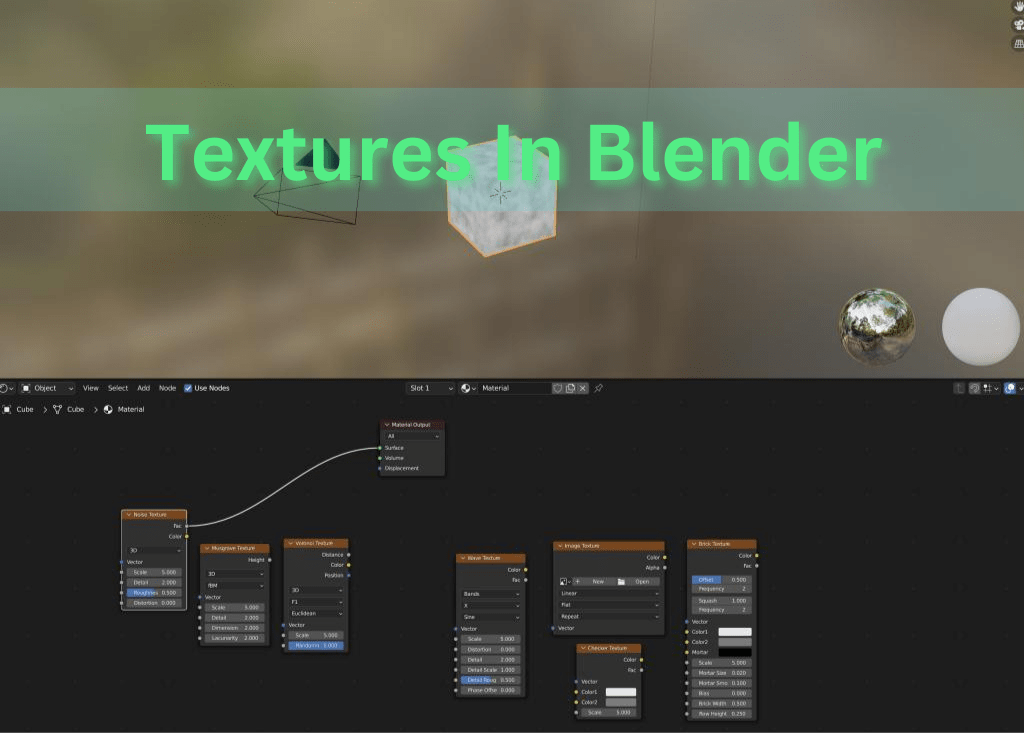
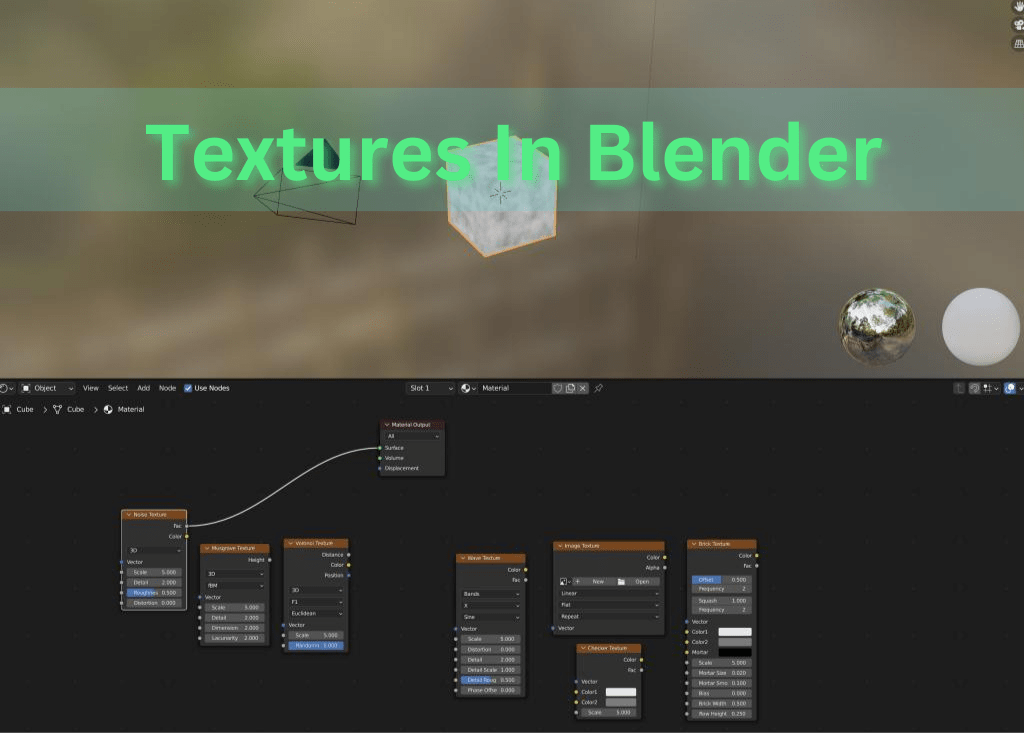
Textures are digital images or math functions used to simulate materials. Blender offers a wide variety of textures to be used individually or together to form materials.
These texture have inputs on values that can be tweaked to your liking. Most textures will have a Vector and Scale input. The Vector input, combined with a Mapping Node, will allow you to control the location. The Scale input controls the size of the textures.
3 Most Common Textures
There are 3 most commonly used textures: Noise, Musgrave, and Voronoi
Noise
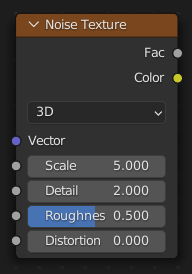
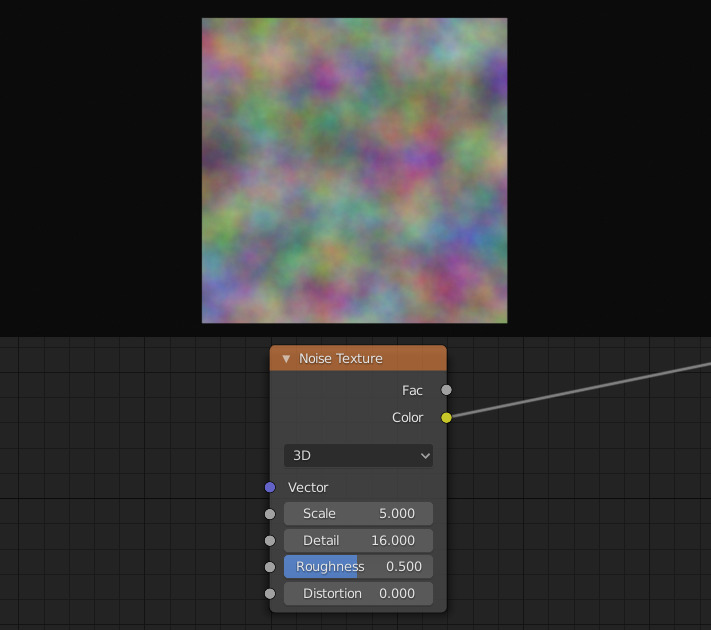
The noise texture is generated mathematically and creates random variations in color and intensity. They are used to create random variations or details to a material. The first 2 inputs are the vector and scale. The other 2 inputs that impact the texture in noticeable ways are the detail and distortion.
The detail affects how detailed the texture is. In other words, the “resolution” of the texture.
The distortion will influence how much the texture is distorted or displaced. A higher value will create swirls in the noise texture.
Musgrave
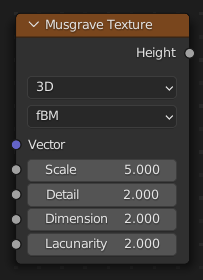
The musgrave texture creates complex patterns. Musgrave textures are used a lot to create terrain such as mountains and rivers. As usual, the first 2 inputs are vector and scale. The other 3 inputs are detail, dimension, and lucunarity.
Detail in the musgrave texture has the same function as in the noise texture, controlling the “resolution” of the texture.
The dimension controls the complexity and detailedness of the pattern.
Lacunarity controls the spacing of the details in the musgrave texture.
Not only are there inputs, but there are 5 different types of musgrave textures. They are FBM (Fractal Brownian Motion), Multifractal, Hybrid Multifractal, Ridged Multifractal, and Hetero Terrain (Heterogeneous Terrain).

Voronoi
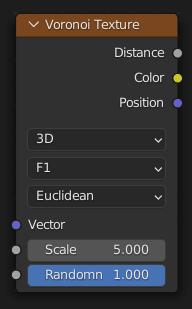
Voronoi are textures that generate patterns based on the distances between randomly distributed points. Voronoi textures are used to create cracks and to blend textures together. Just like most textures, the first 2 inputs are vector and scale. There is only 1 other input, randomness.
Randomness will affect how uniformed the texture will look like. A value of 1 will create a checker board. A value of 0 will create a random collage-like pattern.
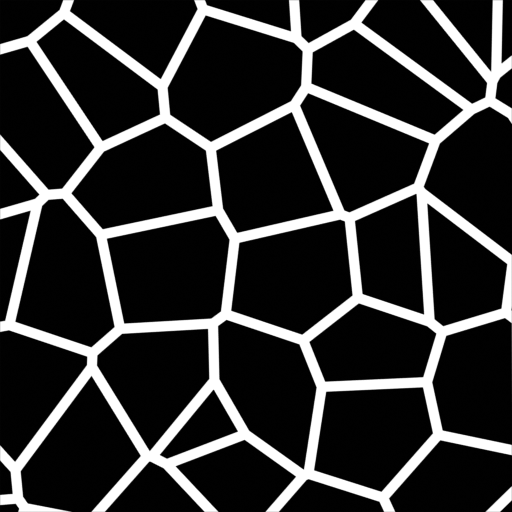
There are 5 features for the voronoi texture: F1, F2, Smooth F1, Distance to Edge, and N-Sphere Radius. Setting the feature to Distance to Edge will create a crack-like texture.
Other Textures Used
There are a handful of other textures that have very specific uses. However, they are used less often.
Image Texture
Image texture are exactly what they sound like. The texture is created by an image from your computer. By simply going online and downloading a smiley face, you can project a smiley face on to a cube. The main use of the image texture is to create PBR textures.
Brick Texture
Brick textures will create procedural brick walls. You are able to control the brick colors, the mortar color, and the offset.
Checker Texture
This texture simply makes checker boards. There are 2 color inputs allowing you to control the colors of each square.
Wave Texture Texture
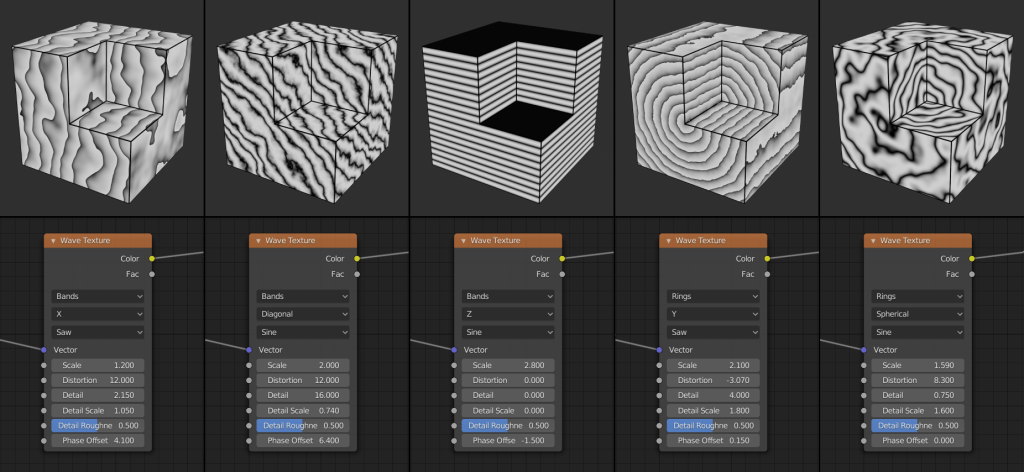
Wave textures will create rings or alternating layer of black and white. There is also a distortion factor, this allows you to create some interesting patterns.
 BasiCubes
Leave a comment