
What is New in Blender 3.5
Blender 3.5 is the latest version of the open-source 3D software, and it brings with it an abundance of new features and improvements that are exciting to artists, designers, and animators alike. Ranging from improved sculpting and animation tools to a new hair system, Blender 3.5 is packed with enhancements that make it even more powerful and versatile than ever before. In this blog, we’ll take a closer look at some of the most exciting new features in Blender 3.5.
Hair
We will start with Blender‘s new hair system. This powerful new feature opens the door to any kind of hair, fur, or grass. This system uses modifiers, but geometry nodes can be used for better control. This system works by stacking individual modular building blocks. The modifiers or nodes are stacked to make complex hair. However, it is important to note that this is not a replacement, the new system can not run simulations on the hair yet.
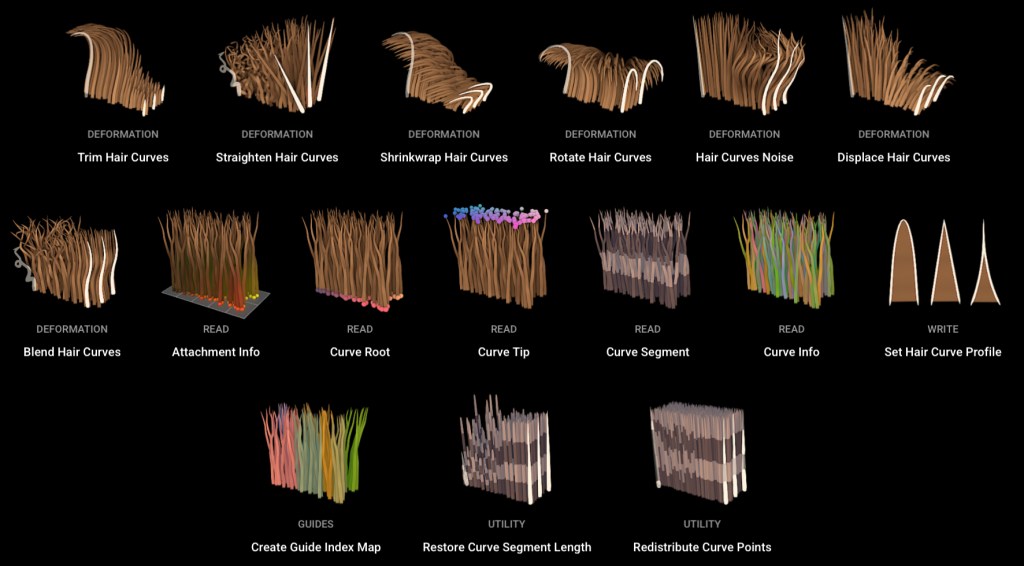
The Essentials asset library comes with 26 hair assets that can be dragged on to the target. These assets are split into 6 categories: Deformation, Generation, Guides, Utility, Read, and Write.
Deformation will preform the general operations that will deform the individual hair curves. Some examples include blend, displace, and straighten hair curves.
Generations adds new hair curves onto an existing base or from scratch. Some examples are duplicate, generate, and interpolate hair curves.
Guides will enact operations following curves which act as guides. Some examples are braid, clump, and curl hair curves.
Read is used to get data from the hair curves, but is only allowed in geometry nodes. Some examples are curve info, root, and segment.
Utility provides general utility operations on hair curves. Some examples are attach, redistribute, and restore hair curve.
Write is used to set hair thickness using a profile.
VECTOR DISPLACEMENT MAPS
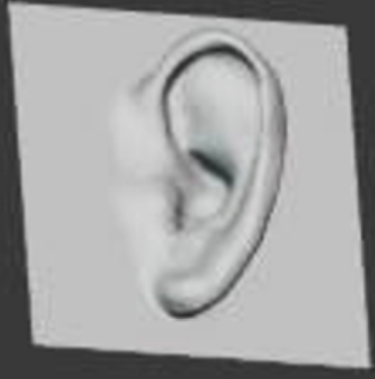
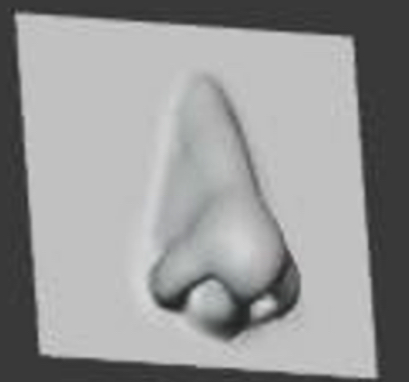
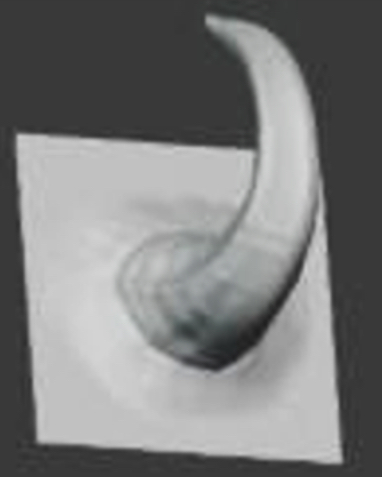
With this new feature, Blender is all the more closer to likes of Maya and zBrush. By enabling the Vector Displacement in the texture panel, the user will be able to create preset displacements. In other words, users can “stamp” complex shapes on to a mesh. Unlike regular displacement, the the new feature uses 3 color channels to displace the geometry in three directions instead of just one.
Vector Displacement Maps are only supported for the Draw brush. The recommended stroke methods is the Anchored method.
Better Compositor
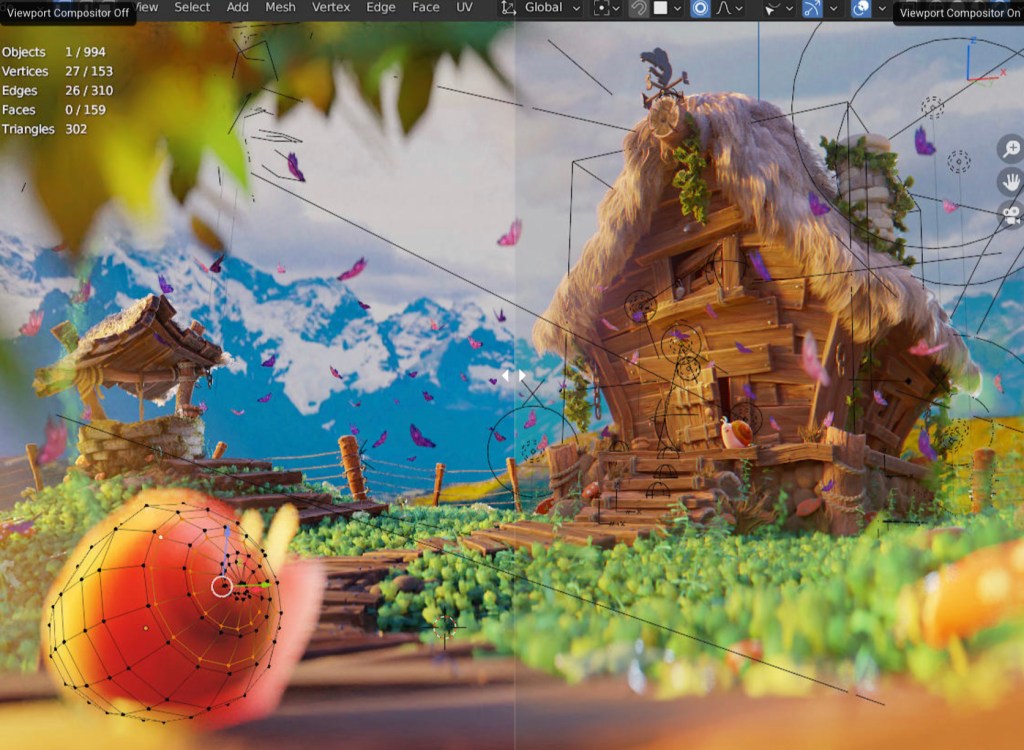
Blender 3.5 comes with a single big change. After rendering an image, the composited results can be shown in the viewport. This allows for users to see and interact with their mesh and other objects while in the compositor. This means users can model while their compositor is on.
It is important to note that Blender considers this as the first milestone of a large project. Some features such as layer passes and some nodes are not supported yet.
Animation
Blender’s Pose Library got improved with some new options and shortcuts to speed up the workflow.
Some new shortcuts for blending a pose:
- Holding “ctr” will flip the pose, improving the speed of the workflow
- Press “e” to “exaggerate” the pose, allowing users to go beyond 100%
- Dragging to the left to subtract a pose(not entirely sure what it does)
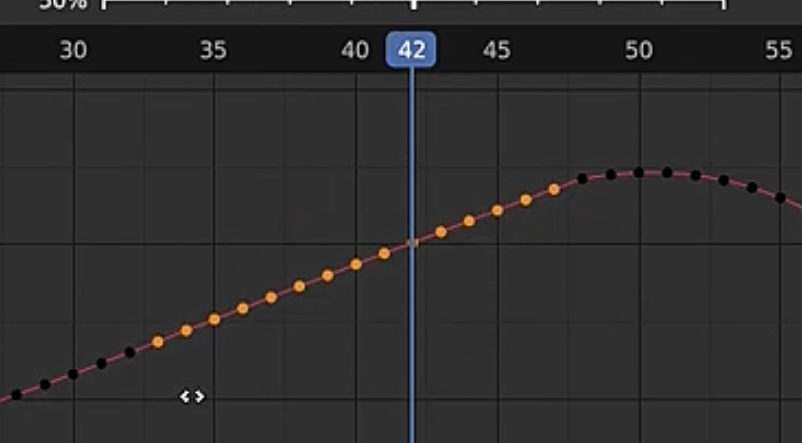
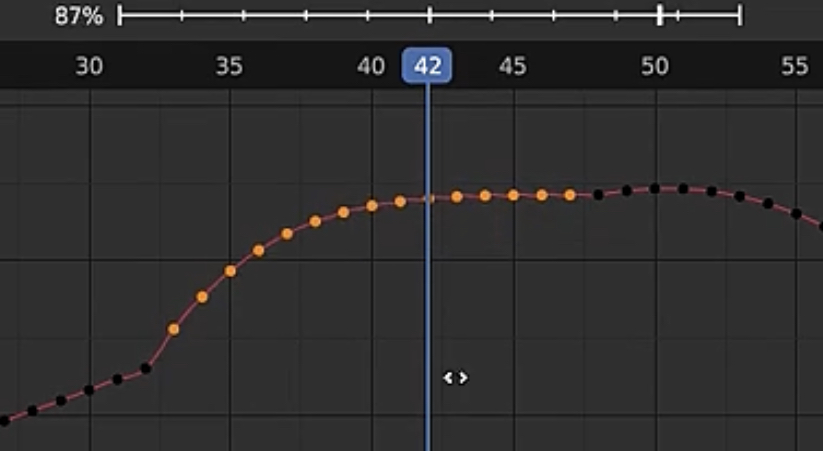
In the graph editor, the new Ease operator helps users to align keys on an exponential curve. This has its use for quickly making an easing transition on multiple keys.
Other Updates
There have been some other updates in lighting for Cycles and Eevee. Users are able to render complex lighting more efficiently.
A new timing mode(Natural Drawing Speed) for the build modifier will replay the strokes using the speed of the stylus when it was drawn, giving it a more natural feel.
Sharing files has now become more convenient. Blender now supports important and exporting USDZ Files, a zip archive that stores images, audio, and other .usd files.
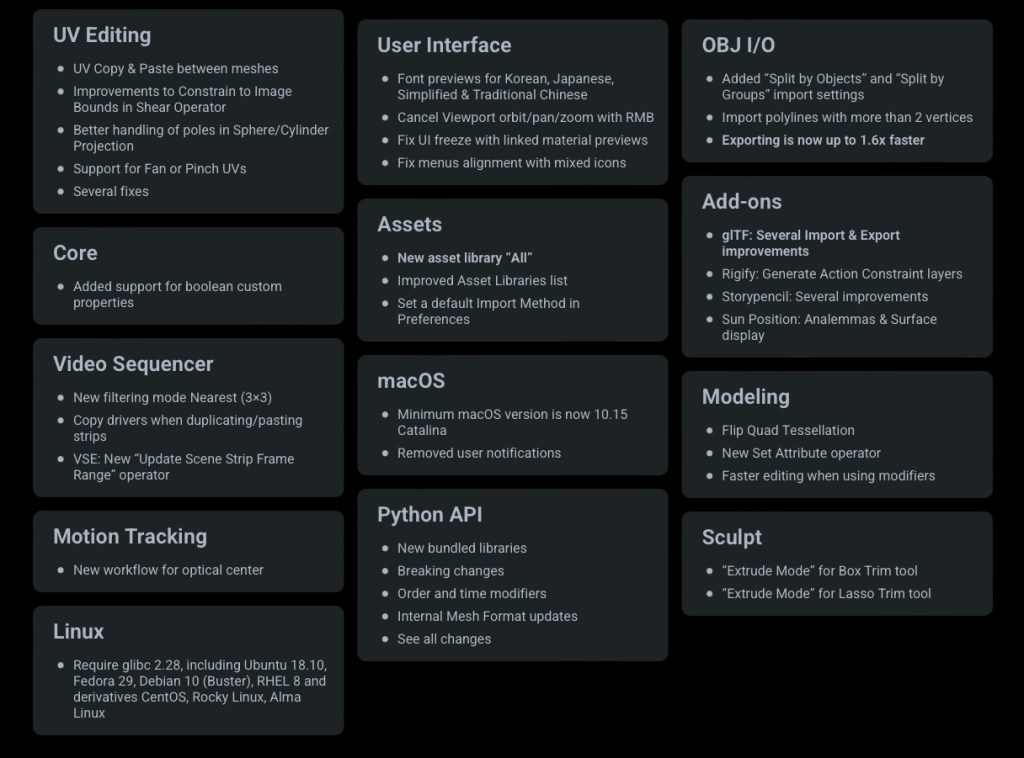
Some other features that were not given much description are shown below:
Conclusion
In conclusion, Blender 3.5 is a game-changing update that brings a wealth of new features and improvements to an already exceptional 3D creation software. With its improved sculpting and animation tools, and numerous other enhancements, Blender 3.5 is a must-have for anyone involved in 3D modeling, animation, or visual effects. Whether you’re a professional artist or an enthusiastic hobbyist, this latest version of Blender offers a range of exciting new possibilities for your creative work. With Blender 3.5, the possibilities are endless!

 BasiCubes
Leave a comment